 Robin Marksman
- Search Console's Generative AI report reached all sites by August 31, 2026; it reports impressions by page, country, device and date, with no queries or clicks listed.
- AI Overviews and AI Mode impressions arrive together in that report, and they're already counted inside the regular Web search totals.
- Semrush tracks AI Overviews in Position Tracking on any free or paid plan, and counts an AI Overview citation as a number 1 ranking.
- Paid AI Overview tracking starts around $10 a month (Keyword.com credits) and $29 (Otterly.AI Lite); Seobility includes full AI Overview text and sources from 59.90 euros.
- On these queries a citation beats a ranking. In Pew's browsing data, people clicked a regular result on just 8% of visits where Google showed an AI summary, versus 15% where it didn't.
What does Google Search Console show about AI Overviews?
Search Console shows how often links to your site appeared in Google's AI features, and nothing about clicks or queries. Google started the Generative AI performance report with a subset of sites in June 2026 (Google). It tallies how often your links show up in AI Overviews and AI Mode, and the worldwide rollout to every site, Google says, was finished on August 31, 2026 (Search Console Help). Google's help page lists what it does and doesn't include:
| In the report | Not in the report |
|---|---|
| Impressions when a link to your site appears in AI Overviews or AI Mode | Clicks, CTR or average position |
| Breakdowns by page, country, device and date | Queries |
| A search type filter: text-based web, or multimodal (images, Lens, Circle to Search) | A described way to split AI Overviews from AI Mode |
| Chart and table exports | Search Labs experiments |
Three counting rules trip people up. Several results from your site in one AI response count as one impression in the chart total. The same impressions already sit inside the Web search type of the main Performance report, so adding the two double counts. And sites with too few generative AI impressions may not see the report at all.
Search Console also has a Search generative AI control. Turning exclusion on keeps your site out of AI Overviews, AI Mode and Discover's AI features while your pages stay in regular Search results and the normal Discover feed, and Google says the control isn't used as a ranking signal for the rest of Search (Search Console Help). If your report is empty, check that setting first.
Free method: how do you find which pages win AI Overviews?
Compare each page's AI impressions with its total impressions. It's the most useful thing you can do with the free data, and it takes ten minutes: Google often turns one question into several searches before it writes an Overview, and our walkthrough of query fan-out shows how to see them.
1. Search Console > Performance > Search results.
   Set the last 28 days. Pages tab. Export.
2. Open the Generative AI report, same 28 days. Pages tab. Export.
3. Join the two sheets on page URL.
4. AI share = AI impressions / total impressions, per page.
5. Sort by AI share, then by AI impressions.

Read it like this
  High AI share, few clicks  -> the page answers questions in AI panels;
                                check it names your brand and offer.
  High total, low AI share   -> ranks in classic results but isn't cited;
                                tighten answers near the top of the page.
  Page missing from AI report -> no AI impressions in the window.
There's a rougher second signal. Long, question-shaped queries trigger AI features more often, so filtering the regular Performance report for queries of six or more words (custom regex ^(\S+\s+){5,}\S+$) shows where AI Overviews are most likely to be stealing clicks. It's a proxy and nothing more, because Google doesn't tell you which of those queries actually showed one.
Can you track clicks from AI Overviews?
No tool can show you measured clicks from AI Overviews alone, because Google doesn't hand that number to anyone. Search Console's AI report stops at impressions. Google Analytics doesn't separate them either: its channel definitions put visits from AI Overviews and AI Mode inside Organic Search and leave them out of the AI Assistant channel that catches ChatGPT, Gemini and Copilot referrals (Google Analytics Help). An Overview click looks like any other organic visit.
The AI Overview in Google's own results for this query says Search Console's search type filter shows AI Overview clicks. Google's help page for the report lists impressions only, so treat that summary line as wrong until the help page says otherwise. What vendors sell instead are estimates. SE Ranking's tracker, for example, estimates potential traffic from AI Overviews; that's a model built from search volume and click curves, useful for sizing a problem and useless as proof that a citation paid off.
The practical workaround is a before and after on pages you can isolate. Pick pages where the tracker shows a new citation on a stable set of keywords, then compare their organic clicks in Search Console for the four weeks before and after. If impressions in the AI report climb while organic clicks hold or rise, the citation is at least not costing you. Our GA4 setup for AI referral traffic covers the assistant side, which you can measure directly.
Keyword trackers vs prompt trackers: which do you need?
You need a keyword tracker if your question is "which of my SEO keywords show an AI Overview, and am I cited?" You need a prompt tracker if it's "does Google's AI recommend my brand when buyers ask?" Most AI Overview tracker pages blur the two. For commercial queries, presence alone tells you little: 92.4% of the B2B software queries we measured showed an AI Overview, so the useful column is whether your URL is among the sources.
| Keyword-based tracker | Prompt-based tracker | |
|---|---|---|
| Input | Your tracked SEO keywords | Conversational buyer prompts |
| Main metrics | AI Overview trigger rate, citation of your URL, citation position, organic rank | Brand mention rate, share of voice, sentiment, cited sources |
| Best for | SEO teams protecting traffic | Marketing teams tracking recommendations |
| Examples | Semrush, SE Ranking, Seobility, Keyword.com, AIclicks | Peec AI, Otterly.AI, LLM Pulse, ZeroRank, AthenaHQ, Ahrefs Brand Radar |
| Blind spot | Says little about brand mentions without a link | Prompts may not match what people type into Google |
How do the 11 AI Overview trackers compare?
Every price is from the vendor's own pricing or product page. Where a vendor publishes no figure, we say so. For prompt-based trackers side by side, see our AI visibility tool price comparison.
| Tool | Type | Entry price for AI Overviews | Also tracks AI Mode | Trial or free |
|---|---|---|---|---|
| Semrush Position Tracking | Keyword | Free plan, within keyword limits | With AI Visibility Toolkit or Semrush One | Free plan |
| SE Ranking | Both | $129/mo Core, 2,000 keywords and 25 prompts | Yes | 14 days, no card; 5 keywords free |
| Seobility | Keyword | 59.90 euros/mo Premium, 300 keywords | No | 14 days |
| Keyword.com | Keyword and credits | $4/mo rank tracking; AI credits from $9.80/mo | Yes, via credits | 14 days, no card |
| AIclicks | Prompt and keyword | $59/mo Starter, 30 prompts | Separate tracker | 3 days, card needed |
| Ahrefs Brand Radar | Prompt index | Free preview; Brand Radar from $199/mo | Yes | Free preview, no signup |
| Peec AI | Prompt | $95/mo, 50 prompts | Yes, as 1 of 3 models | Free trial |
| Otterly.AI | Prompt | $29/mo Lite, 20 prompts on 3 engines | Yes, as 1 of 3+ engines | Free trial |
| LLM Pulse | Prompt | 49 euros/mo, 50 prompts weekly | Yes | 14 days, card needed |
| ZeroRank | Prompt | $89/mo, 4,500 answers | In the app; not on the pricing page | Free report |
| AthenaHQ | Prompt | Free tier, 300 credits | Starter ($295) only | Free tier |
What does AI Overview tracking cost per query?
Tracking one query daily for a month costs about 6 cents in a keyword rank tracker and roughly 60 cents to $2.50 in a prompt tracker, on each tool's entry plan. Headline prices hide this because vendors count different things: keywords, prompts, answers, credits. So we converted every USD entry plan into the same unit, one query checked once a day for 30 days.
| Plan | Price | What you get | Math | Per query, daily, per month |
|---|---|---|---|---|
| SE Ranking Core | $129 | 2,000 keywords tracked daily | $129 / 2,000 | $0.06 |
| Seobility Premium | 59.90 euros | 300 keywords, daily AI Overview text and sources | 59.90 / 300 | 0.20 euros |
| ZeroRank Starter | $89 | 4,500 answers | 4,500 / 30 = 150 queries | $0.59 |
| LLM Pulse Starter, daily | 79 euros | 50 prompts on 5 models | 79 / 50 | 1.58 euros |
| Otterly.AI Lite | $29 | 20 prompts on 3 engines (2,000 credits) | $29 / 20 | $1.45 |
| Peec AI Starter | $95 | 50 prompts on 3 models | $95 / 50 | $1.90 |
| AIclicks Starter | $59 | 30 prompts on 3 models | $59 / 30 | $1.97 |
| AthenaHQ Starter | $295 | 3,600 credits, 1 credit per response | 3,600 / 30 = 120 queries | $2.46 |
| Keyword.com AI Visibility | $9.80 | 20 credits, 0.25 per AI Overview check | 30 x 0.25 = 7.5 credits at $0.49 | $3.68 |
Two things fall out of the math. First, SE Ranking's keyword tracking is about 22 times cheaper per query than the cheapest per-prompt plan, Otterly.AI Lite's, because checking a results page for an Overview is a byproduct of rank tracking they already do. If your question is "which of my 500 keywords show an Overview and cite us," a prompt tracker is the expensive way to answer it.
Second, the cheapest sticker isn't the cheapest tracker. Keyword.com's $9.80 entry is the lowest paid price on the list, yet daily checks burn 7.5 credits per query a month, so those 20 credits cover two queries checked every day. Switch to weekly checks (about 4.3 a month) and the same 20 credits stretch to 18 queries at roughly 53 cents each, which is the setting that makes it a bargain. Frequency is a cost lever on every credit-billed tool, ZeroRank and AthenaHQ included.
How we evaluated these trackers
We read each vendor's pricing page and AI Overview product page in a desktop browser and with direct page fetches, and wrote down only what those pages state. Where a page and an app disagree, we say so, as with ZeroRank and AI Mode. We didn't rank the tools against each other, because a keyword tracker and a prompt tracker answer different questions; the order runs from keyword tools to prompt tools instead. Each one was checked against the same six questions:
- Does it say, in writing, that it tracks Google AI Overviews, and separately AI Mode?
- What's the cheapest plan that includes AI Overviews, and what does that plan count: keywords, prompts, answers or credits?
- How often does it check: daily, weekly, or on demand?
- Does it record which URLs were cited and in what order, or only that your brand was mentioned?
- Can you keep evidence, such as the full Overview text or a cached copy of the results page?
- Is there a free tier, a free check or a trial, and does the trial need a card?
Prices go stale fast in this category. SE Ranking cut the prompts included in its Core plan from 100 to 25 a day, while its price stayed at $129, so check the vendor's page on the day you buy.
The 11 AI Overview trackers
Keyword rank trackers come first, from Semrush's free Position Tracking to pay-per-check Keyword.com, then the prompt trackers, from AIclicks to AthenaHQ's free tier. Start with the one that fits what you already track.
1. Semrush Position Tracking: the free starting point for SEO teams
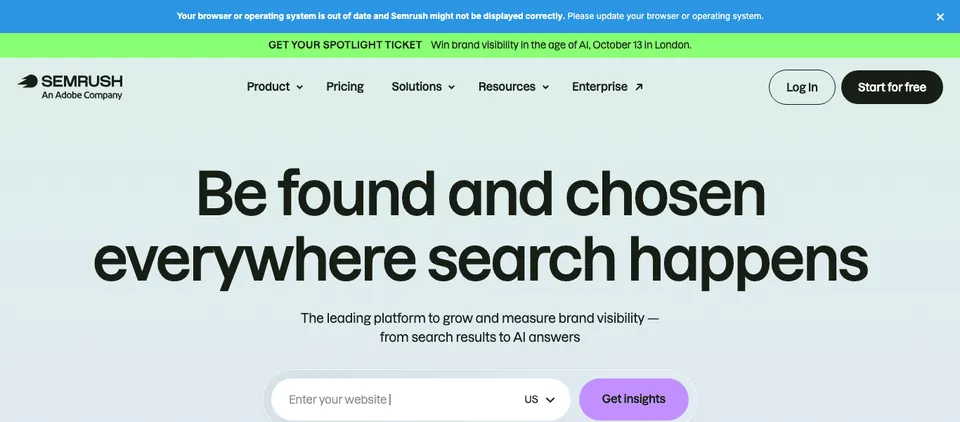
If you already track keywords in Semrush, you already have an AI Overview tracker. Position Tracking flags which tracked keywords trigger an AI Overview and whether your domain appears as a source, and Semrush says this works on any free or paid plan (Semrush). Six Semrush tools show AI Overview data, from Keyword Overview to Sensor.
One quirk matters a lot. Semrush records an AI Overview citation as a number 1 ranking regardless of where your page sits in organic results (Semrush KB). A toggle shows rankings with and without AI Overviews, so compare both before you report a ranking jump. Semrush's AI toolkit and Profound both list AI Overviews under very different price models, laid out in Profound vs Semrush on price and engines.
2. SE Ranking: both kinds on one bill
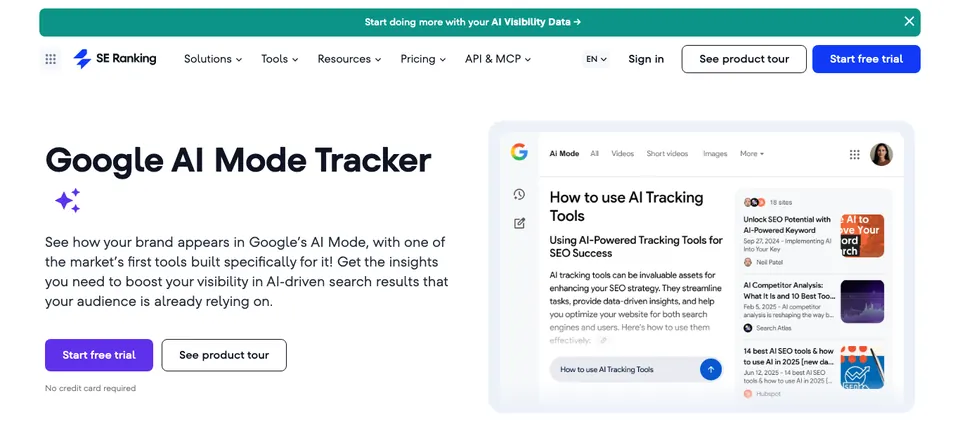
SE Ranking watches AI Overviews from two angles, inside its classic rank tracker and in a separate AI visibility module. Core costs $129 monthly or $103.20 a month on annual billing and tracks 2,000 keywords daily, and its AI Overviews tracker is sold from that plan up, with cached copies of each results page and an estimate of the traffic Overviews could send you (SE Ranking). Prompt tracking on Core is small: 25 prompts a day on 5 AI engines. The AI Visibility add-on, which starts at $71.20 a month on a yearly plan, lifts that to 200 prompts across AI Overviews, AI Mode, Gemini, ChatGPT, Copilot and more (SE Ranking pricing). The 14-day trial needs no card, and the tracker page will check 5 keywords for free before you sign up, desktop or mobile.
One oddity in this search result is worth knowing about. The site aioverviewtracker.com, which sits on page one for "ai overview tracker", isn't a separate product: its buttons send you to SE Ranking's tracker and sign-up pages with a referral parameter attached. If you like what it describes, you're looking at SE Ranking.
3. Seobility: full AI Overview text on a budget
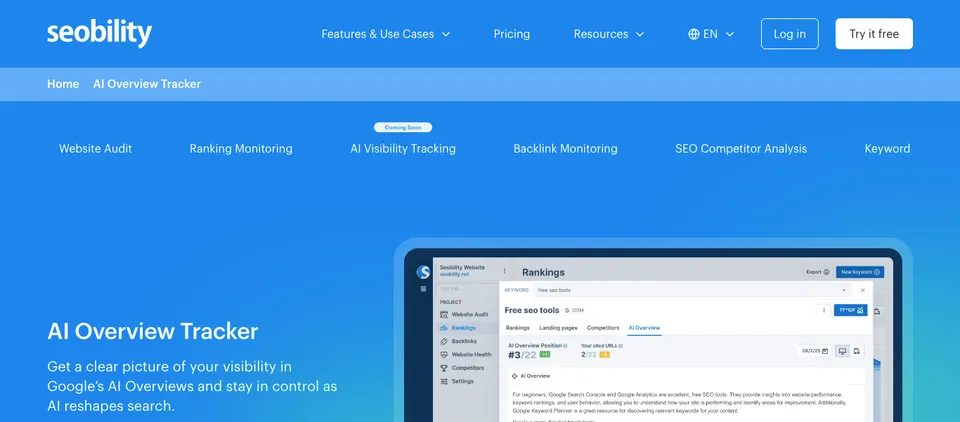
Seobility checks every monitored keyword and marks when Google shows an AI Overview. On paid plans you also get the full AI Overview text, every cited website and the order of the cited URLs, updated daily for Premium users (Seobility). Premium is 59.90 euros a month for 300 keywords, Professional 99.90 euros for 700 and Agency 209.90 euros for 2,000, with a 14-day trial (Seobility pricing). It doesn't cover AI Mode.
4. Keyword.com: pay per check
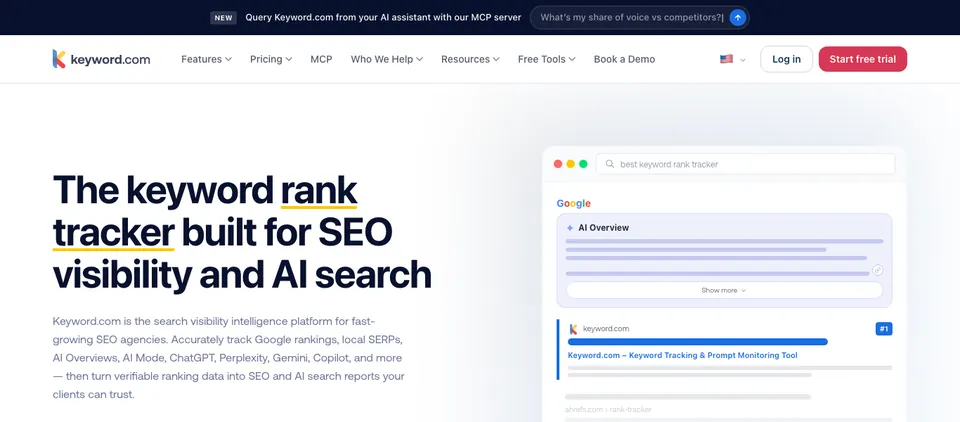
Keyword.com shows which queries trigger AI Overviews, which of your URLs are cited and the snippets used, with an HTML snapshot of each result you can verify. Rank tracking starts at $4 a month; AI Visibility credits start at $9.80 a month for 20 credits, and a Google AI Overview check costs 0.25 credits per prompt per update, as does AI Mode (Keyword.com pricing). The 14-day trial includes 100 keywords and 20 credits, no card.
5. AIclicks: AI Overview citation rate and rank among sources
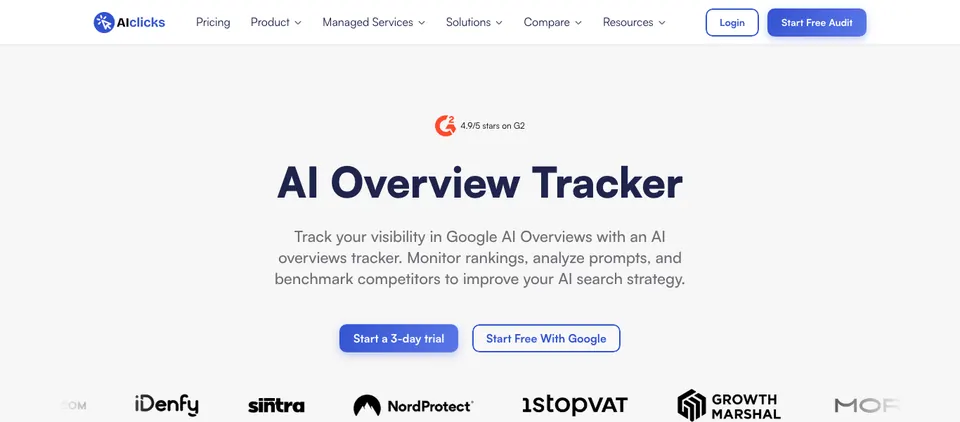
AIclicks' AI Overviews tracker checks each tracked query every 24 hours and reports citation rate, your rank among the cited sources, competitor share of voice and the exact URLs cited, with GA4 traffic on higher plans. Starter is $59 a month for 30 prompts on 3 LLMs, Pro $189 for 150 prompts and Business $499 for 300 (AIclicks). The "free AI Overview rank tracking" its tracker page advertises is the 3-day trial, and AIclicks' pricing FAQ says that trial needs a card, which is charged when it ends unless you cancel (AIclicks pricing). Its page doesn't explain location or device settings, so ask.
6. Ahrefs: free preview, then Brand Radar
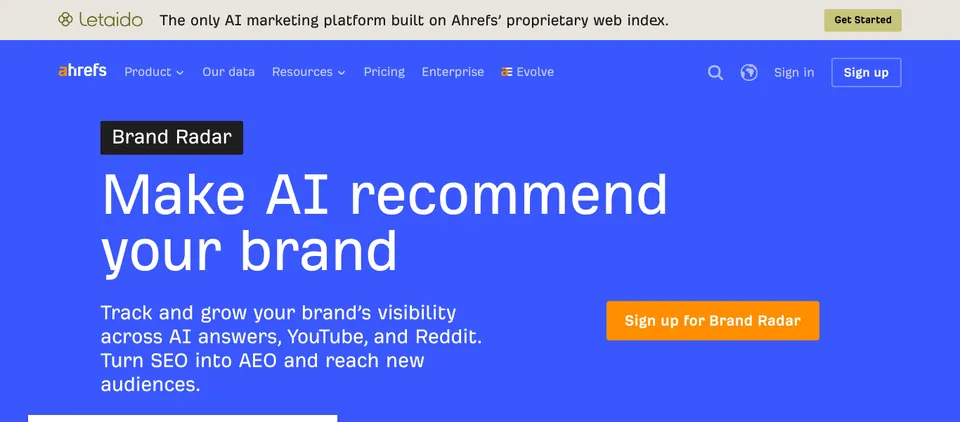
Ahrefs' free AI Overviews tracker needs no signup and shows how many AI Overviews mention your brand, mentions over time, and your top five topics, cited domains and cited pages (Ahrefs). It's a limited preview that Ahrefs says is strongest in English. For daily data and competitor benchmarks you need Brand Radar, and Ahrefs' Brand Radar page puts that at $199 a month and up for a single platform, $699 to cover them all. Brand Radar measures an index of modeled prompts, so use it for the market view, not your own keyword list.
7. Peec AI: AI Overviews as one of three models
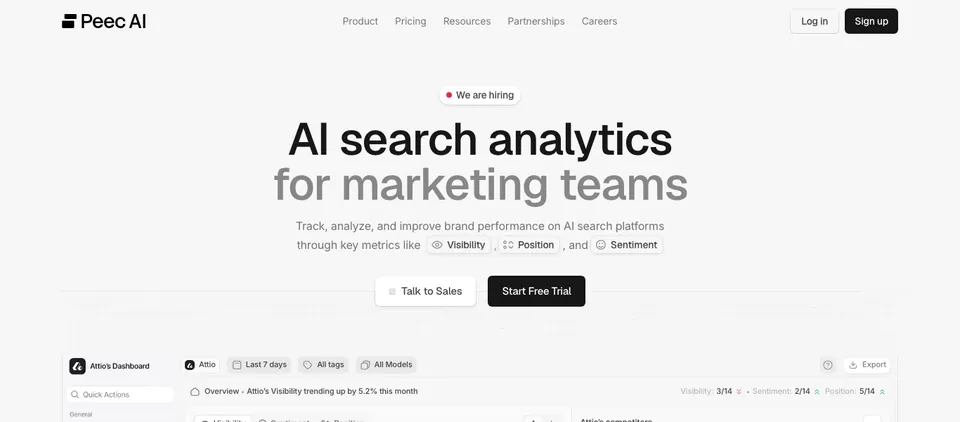
Peec AI lets you choose AI Overviews as one of the three models on every plan: $95 a month for 50 prompts run daily, $245 for 150, $495 for 350 (Peec AI pricing). It's a brand tracker, so you get mention rate, sentiment and source analysis rather than keyword positions. Teams leaving it usually do so over the three-model limit, covered in Peec AI alternatives. If Profound is the other name on your shortlist, our Profound vs Peec AI page compares the two on AI Overviews coverage and price.
8. Otterly.AI: AI Overviews included on the cheapest plan
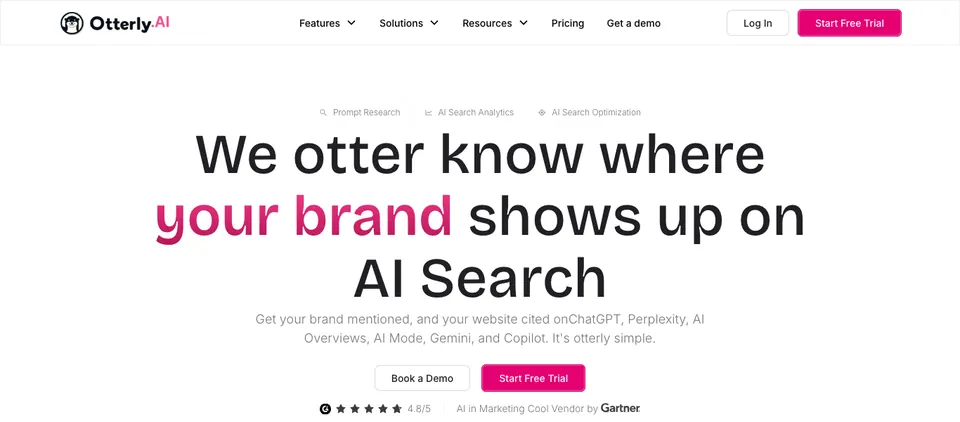
Otterly.AI lets every plan track Google AI Overviews. It sells credits, and each workspace picks at least 3 of 7 engines: ChatGPT, AI Overviews, AI Mode, Gemini, Perplexity, Copilot and Claude (which uses triple credits). Lite's 2,000 credits cost $29 a month and cover 20 prompts daily on three engines, or 16 on four; Standard is $189 for 160 on three, and AI Mode is just another engine to pick, with no add-on fee (Otterly.AI pricing). Lite is enough to see whether Google's AI names your brand on your top questions.
9. LLM Pulse: both Google surfaces, every plan
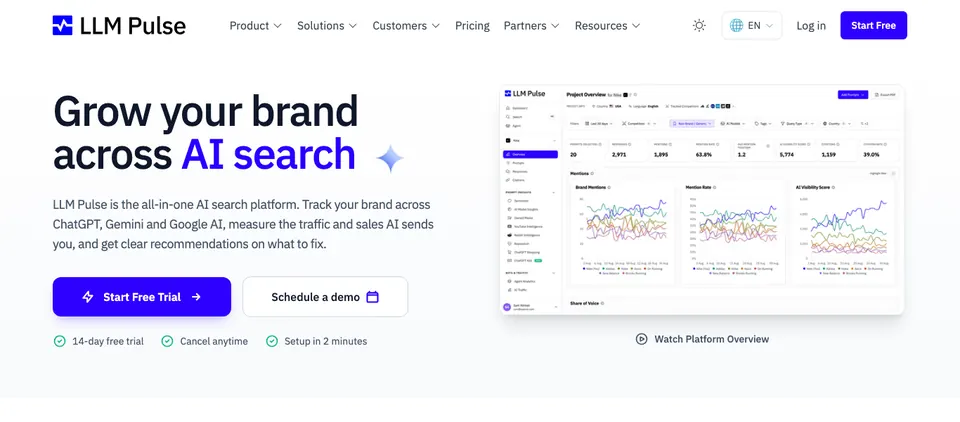
Choose LLM Pulse when Google's two AI surfaces are the priority and you want them on equal footing. No tier leaves out AI Overviews or AI Mode, and ChatGPT, Perplexity and Gemini come along too. With weekly runs, 50 prompts put the bill at 49 euros a month; daily runs push the starting price to 79 euros (LLM Pulse pricing). The trial needs a card. The same weekly cadence covers Perplexity, which we weigh against daily plans in our Perplexity tracker breakdown.
10. ZeroRank: 39 models, AI Overviews in the app
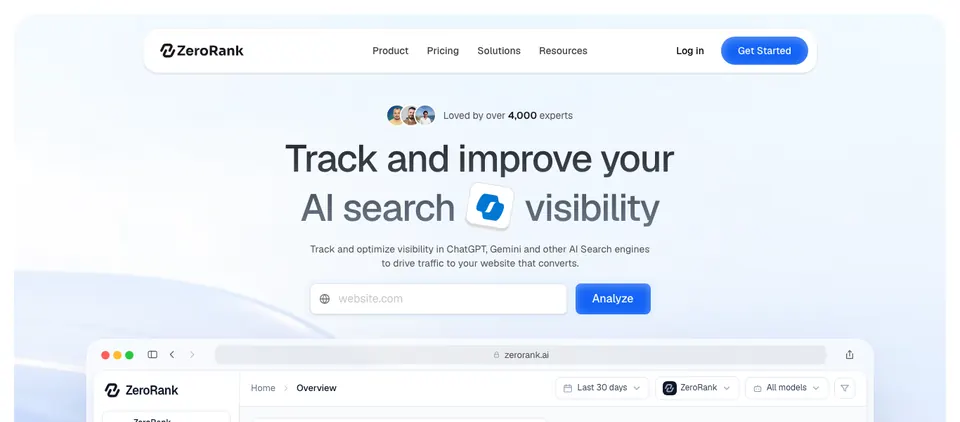
Agencies tracking AI Overviews for many clients are the natural fit for ZeroRank. It bills by the answer, not the prompt, and every plan offers 39 tracking models. Answer caps run up to 4,500, then 13,500 and 31,500, priced at $89 a month for the first, $199 for the second and $499 for the third. An API comes with each, and white-label dashboards start on Growth (ZeroRank pricing). Neither Google AI Overviews nor AI Mode is named on that pricing page, though the app lists both as engines you can turn on.
11. AthenaHQ: AI Overviews on the free tier
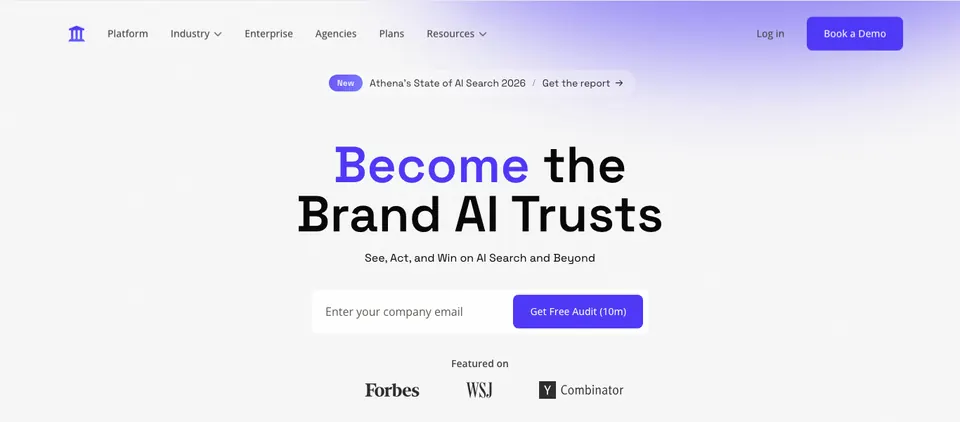
AthenaHQ's free Essential tier includes Google AI Overviews with ChatGPT, Perplexity, Gemini and Copilot, using 300 credits where one credit is one AI response (AthenaHQ pricing). That covers about 60 prompts run once a month on all five engines. The next step is $295 a month, which our AthenaHQ alternatives page weighs against cheaper options.
How should you read AI Overview tracking data?
Track two rates and keep them separate: the share of your keywords that trigger an AI Overview, and the share of those where you're cited. A falling trigger rate and a falling citation rate need different fixes. The first is Google's choice; the second is about your pages. When the second rate stays low, a quick pass through the AI citability grader shows how easy your page is to quote.
Don't read AI Overview data as a proxy for AI Mode. Across the 540,000 query pairs Ahrefs checked, AI Overviews and AI Mode had just 13.7% of their cited URLs in common (Ahrefs). If AI Mode matters to you, track it on its own; our AI Mode tracker comparison lists the tools that name it.
And weigh citations above rank on these queries. When an AI summary appeared, Pew saw a regular result get clicked on only 8% of visits, compared with 15% when there was none (Pew Research Center), and Ahrefs measured click-through on the number one result falling 58% when an AI Overview sits above it (Ahrefs). More figures are in our AI search statistics. On a keyword with an AI Overview, being cited is often worth more than moving from position 3 to 2.
How often do AI Overviews change, and how often should you check?
Often enough that a single check tells you very little. Ahrefs tracked more than 43,000 keywords, each with at least 16 recorded AI Overviews, over a month, and found a 70% chance that an Overview differed from the previous observation, with content lasting about 2.15 days on average (Ahrefs). The meaning barely moved, though: consecutive answers scored 0.95 out of 1.0 on semantic similarity. Over a full month the drift is larger still: in our most recent citation panel, fewer than half of the October sources were cited again.
| Measure (Ahrefs) | Result |
|---|---|
| Chance an AI Overview's content changed from one observation to the next | 70% |
| Entities (brands, people, products) that stayed when an Overview refreshed | 54% |
| Cited URLs that were new from one observation to the next | 45.5% (54.5% overlap) |
| Average time an Overview's content persisted | 2.15 days |
| Semantic similarity between consecutive Overviews | 0.95 of 1.0 |
For tracking, that means a citation is a probability, not a position. If nearly half the cited URLs swap out between checks, a page cited on Monday and missing on Tuesday hasn't necessarily lost anything. Read citation rate over a window instead: of the last 7 or 14 checks on a keyword, how many cited you?
Daily checks earn their cost when you're testing a page change and want to see the rate move within two weeks. For a standing baseline on stable pages, weekly checks are enough, since the underlying answer stays semantically the same. A useful rule: don't report a change in citation rate until it holds across at least two consecutive weeks of runs. Ahrefs notes its own checks weren't daily, so the true churn is probably higher than these figures.
Who gets cited when you don't?
On commercial software queries, mostly vendors and YouTube. In our own study of 742 AI Overview citations across B2B software buyer queries, software vendors took 44.1% and YouTube 20.5%, with publishers third at 13.3% (our B2B AI Overview citation study). Review and listing sites, which many teams chase first, got 5.0%.
| Source type | Citations | Share |
|---|---|---|
| Software vendors | 327 | 44.1% |
| YouTube | 152 | 20.5% |
| Publishers and media | 99 | 13.3% |
| Reddit, forums and social | 77 | 10.4% |
| Agencies and consultants | 48 | 6.5% |
| Review and listing sites | 37 | 5.0% |
| Other | 2 | 0.3% |
| Total | 742 | 100% |
This changes what you should demand from a tracker. A tool that only reports "cited or not" for your domain hides the most actionable column: the other URLs in the Overview. If a YouTube video sits in the sources for a query you care about, the fix might be a video, not another rewrite of your landing page. Seobility, SE Ranking and AIclicks all show the cited URLs; check that the export keeps them, because that list is where your next content brief comes from.
Buyer checklist: what to ask before you pay
Run a shortlisted tool through these checks during its trial. A tool that fails the first three isn't an AI Overview tracker in any useful sense, whatever its landing page says.
- Pass if it names Google AI Overviews and AI Mode as separate engines. Fail if it says "Google AI" with no detail.
- Pass if you can set country and device per keyword or prompt. A US desktop check won't match what mobile buyers in another country see.
- Pass if it stores the cited URLs and their order for every check, not just a yes or no for your domain.
- Pass if it keeps evidence you can show a client or boss: the full Overview text, a screenshot, or a cached copy of the page.
- Pass if it reports citation rate over a time window. A single "AI Overview position" number is a fail, given how often Overviews change.
- Pass if your cost per query, at your frequency, fits the budget. Do the math in the cost table above before the trial ends.
- Pass if it exports to CSV or has an API. Otterly.AI, for example, keeps API access for Standard and Premium, not Lite.
- Pass if the trial terms are clear. AIclicks and LLM Pulse need a card for their trials; SE Ranking and Keyword.com don't.
- Pass if your organic rank and your AI Overview citation can be viewed separately, as Semrush's toggle allows.
- Pass if the vendor publishes how often it checks. "Real time" with no stated cadence is a fail.
Which AI Overview tracker should you pick?
- Just need to know which of your keywords show AI Overviews? Semrush Position Tracking (free plan) or Seobility.
- You want AI Overview text and the order of cited sources for each keyword: Seobility Premium or Keyword.com.
- You want keyword and brand views from one vendor: SE Ranking Core.
- You care whether Google's AI recommends your brand: Otterly.AI Lite for a baseline (AI Mode is one of its selectable engines; if 20 prompts feel tight, see a cheaper Otterly alternative), Peec AI or LLM Pulse for daily or weekly tracking.
- You want AI Overviews tracked alongside Claude and Meta AI: AthenaHQ Starter covers all three for $295 a month, while Scrunch tracks Meta AI on its $250 Core plan but adds Claude only on its custom Enterprise plan; our Scrunch pricing and alternatives page has the trade-offs.
- Managing many clients? ZeroRank or AIclicks.
- Haven't spent anything yet? Run the free AI share method in Search Console this week, then decide.
- Pages show up in the report but never get cited: run them through the GEO audit checklist before buying anything.
AI Overviews are one surface. To see whether ChatGPT names your brand too, the free checkers in our roundup give a quick read, the ChatGPT rank tracker comparison covers ongoing tracking there, and how to measure AI visibility covers building a prompt set across engines.
Frequently asked questions
What is an AI Overview tracker?
An AI Overview tracker is a tool that checks Google results on a schedule and records whether an AI Overview appeared, whether your site was cited, at what position among the sources, and which competitors were cited instead. Some track your SEO keywords; others track conversational prompts and report how often Google's AI mentions your brand. Both report rates over time.
Does Google Search Console show AI Overview data?
Yes, but only impressions. The Generative AI performance report counts how often links to your site appeared in AI Overviews or AI Mode, and you can slice it by date, device, country or page, and Google rolled it out to all sites by August 31, 2026. Google's help page lists no clicks and no queries, and doesn't describe a way to separate AI Overviews from AI Mode.
Is there a free AI Overview tracker?
Several. Search Console's Generative AI report is free for your own site. Semrush says AI Overview tracking in Position Tracking works on any free or paid plan, within your plan's keyword limit. Ahrefs offers a free AI Overviews tracker preview with no signup, and SE Ranking's tracker page checks 5 keywords for free. The free tracking AIclicks advertises is its 3-day trial, which needs a card.
How does Semrush count AI Overview citations?
Semrush Position Tracking records an AI Overview citation as a number 1 ranking, regardless of where your page ranks in the organic results below. A toggle lets you view rankings with or without AI Overviews included. Keep that in mind when average position jumps after a citation; your organic ranking may not have changed at all.
What is the difference between AI Overview tracking and AI Mode tracking?
They are separate Google features with mostly different sources. When Ahrefs lined up 540,000 query pairs, only 13.7% of the URLs cited in one feature were also cited in the other. AI Overviews appear on top of normal results for some keywords; AI Mode is a separate conversational search. Track them as two engines, and check that a tool names each one.
How often should I check AI Overviews?
Most paid tools check daily, but review the data weekly. AI answers shift from day to day, and a week of runs shows whether a citation gain or loss is real or noise. For a hand-run check, 10 to 20 queries once a week from a logged-out browser in your target country, logged in a sheet, is a workable baseline.
Can you see clicks from AI Overviews?
Not as a separate number. Search Console's Generative AI report lists impressions only, and Google Analytics files visits from AI Overviews and AI Mode under Organic Search, outside its AI Assistant channel. Clicks from an Overview are mixed into your normal organic totals, so the traffic figures some trackers show for AI Overviews are estimates, not measured clicks.
How much does an AI Overview tracker cost?
From nothing to a few hundred dollars a month. Search Console and Semrush's free plan cost nothing, Keyword.com credits start at $9.80 a month and Otterly.AI Lite at $29. Per query tracked daily, SE Ranking Core works out near 6 cents a month, prompt trackers between $0.59 and $2.46, and Keyword.com's credits $3.68.
Marksman, Robin. "AI Overview tracker: 11 tools to track Google AI Overviews, plus what Search Console shows free." AI Ranked, October 11, 2026. https://airanked.ai/guides/ai-overview-tracker